
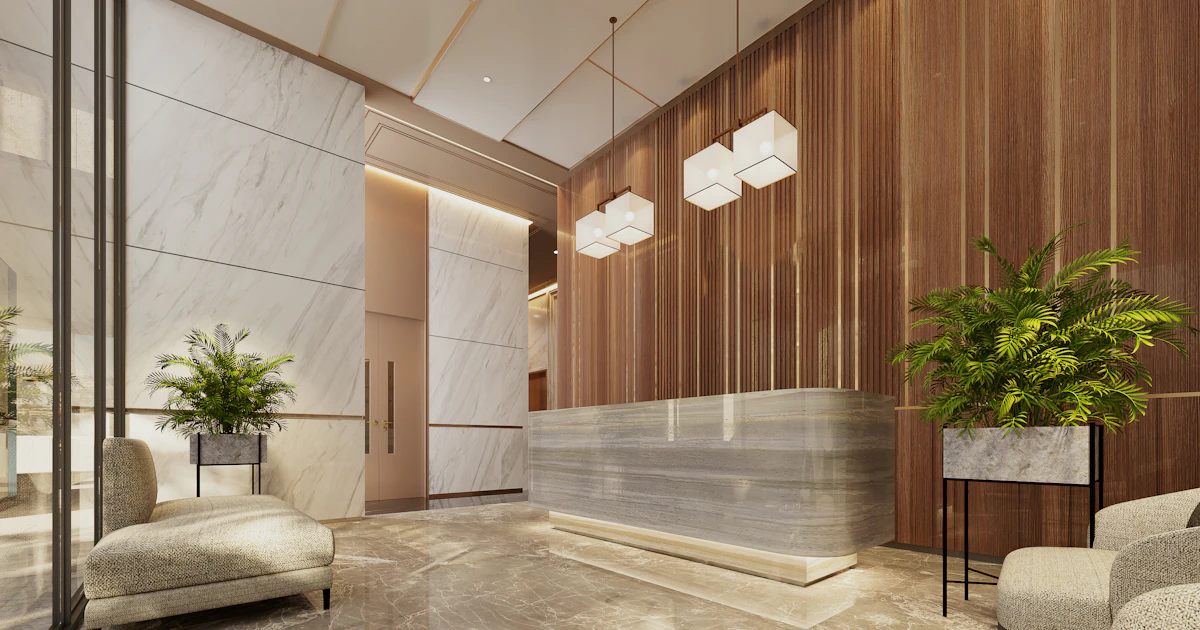
Office security is part of the first impression a company makes. The guard at reception greets visitors, the lobby officer controls who reaches the lifts, and the after-hours patrol protects equipment and data when the building is empty. Facility managers expect all of it to run smoothly and to be reported clearly.
DutyFlex helps security companies and in-house corporate security teams staff office buildings and business parks reliably, verify every shift and report to facility management without spreadsheets.
The security challenges of corporate offices
- Front-of-house standards. Reception and lobby guards represent the client's brand. Late arrivals and empty desks are noticed by staff and visitors alike.
- Office hours and after hours. Daytime posts follow business hours, while evening and weekend cover shrinks to patrols, so rosters change through the week.
- Multi-tenant and multi-building sites. Business parks and shared towers have several entrances and tenants, each with its own expectations.
- Formal reporting. Facility and procurement teams often want monthly service reports and expect invoices to match contracted hours exactly.
- Portfolio clients. A single corporate client may have offices in several cities or countries, each with different working hours and public holidays.
How DutyFlex supports office security
Punctual reception and lobby cover
Guards check in from their phones on arrival, verified by the building's geofence and a QR code at the reception or security desk. Supervisors see straight away if a front-of-house post is not staffed when the building opens.
After-hours patrols with evidence
Place QR checkpoints on each floor, in server and plant rooms and at fire exits. Patrol guards scan them on every round, giving you a time-stamped record of each inspection to share with the client.
One view of a corporate portfolio
Organise each client's buildings as separate sites under one client, and monitor all of them from a single dashboard. This becomes essential as portfolios grow; see managing multiple client sites.
Reports and invoices that match the contract
Export attendance reports per building, and generate invoices from verified hours with separate lines for each site and any extra cover the client requested.
Identifiable guards
Generate branded ID cards from each guard's employee record, so tenants and reception staff can easily identify the officers on duty. Our ID card guide covers what to include.
A typical office deployment
| Post | Typical coverage | How DutyFlex verifies it |
|---|---|---|
| Reception desk | Business hours, weekdays | Geofenced check-in plus desk QR code |
| Lobby or turnstiles | Early morning to evening | QR code at the security desk |
| After-hours patrol | Evenings, nights, weekends | Floor and plant-room QR checkpoints |
| Loading bay | Delivery windows | QR code at the bay entrance |
Frequently asked questions
What should an office security service report each month?
Typically delivered hours against contracted hours for each building, any late or missed shifts and how they were covered, patrol completion and any changes to the service. Verified attendance data makes this report quick to produce.
Can DutyFlex handle a client with offices in several locations?
Yes. Each office is a separate site under the same client, with its own posts and shifts, and you can view coverage and billing per site or for the whole client.
How do you prove after-hours patrols happened in an empty office?
Install QR checkpoints on the patrol route. Each scan records the guard, place and time, giving the client evidence of every round.